I picked up the GL.iNet Slate 7 (GL-BE3600) (Amazon Affiliate Link) right before a 10-day trip to Los Angeles (we stayed down in Long Beach) in June 2025. I’ve also used it on trips to Moab in October and Vegas in December. I paid $129.99 and it’s been listed higher since (I’ve seen it any where from $119.99 – $169.99 over the last six months).
I’m not a network gear reviewer, but this thing solved a very specific travel annoyance for me. It made travel WiFi feel boring, in the best way.
What It Is
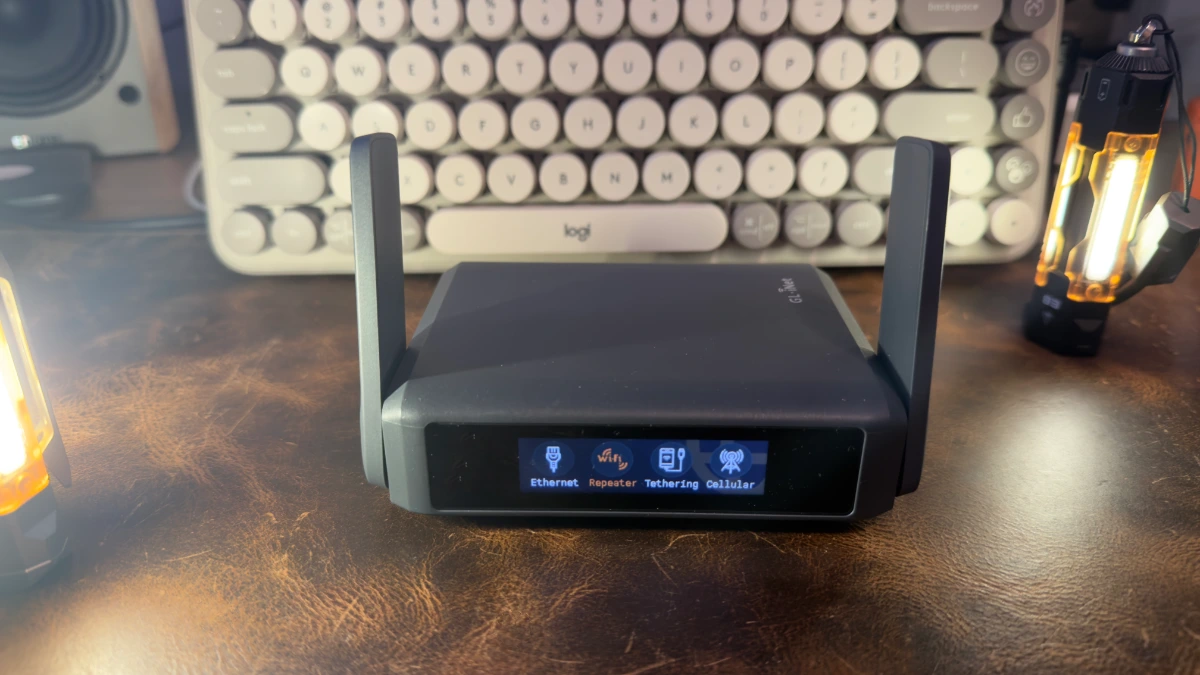
The Slate 7 is a pocket-sized travel router that joins a hotel’s WiFi (including captive portals) or takes a wired connection from something like an Ethernet jack in your VRBO/AirBNB or even your mobile hotpsot, then rebroadcasts your own private WiFi network for all your devices. It’s a dual-band WiFi 7 router, it has a small touchscreen, and it supports VPN connections.
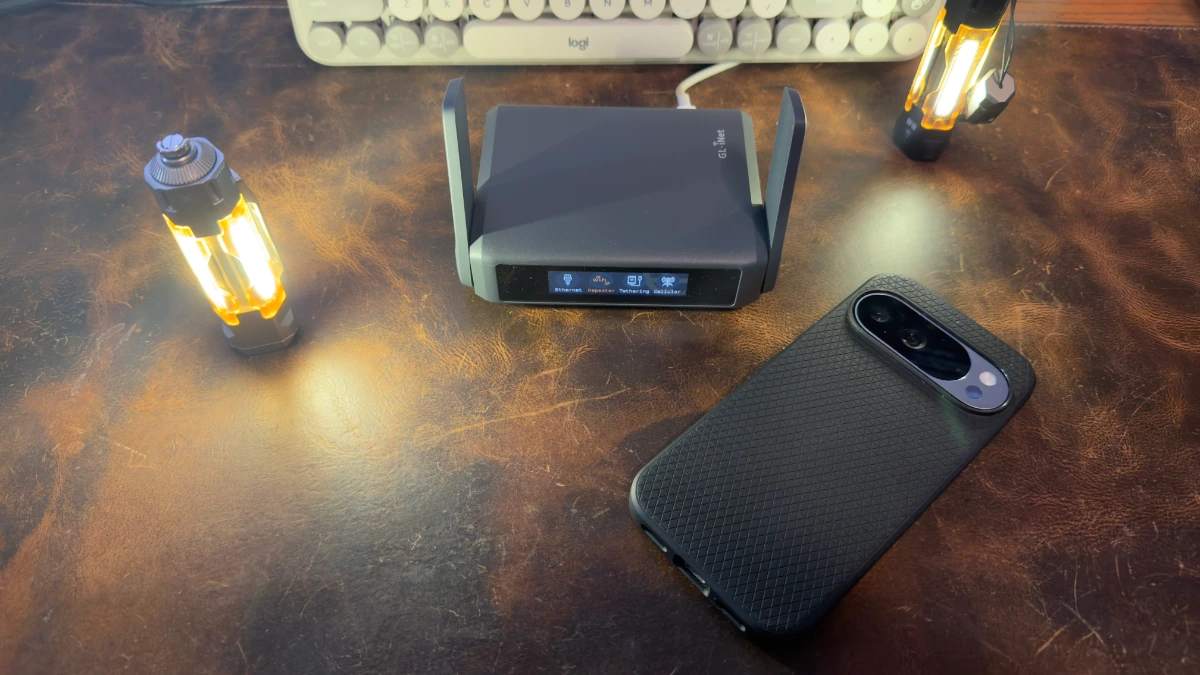
Size wise, it is slightly larger than a deck of cards, or better yet, stack a couple phones and lop an inch or so off the end. Pictured with a Google Pixel 10 Pro for size comparison.
What I Like
The big win is convenience for the whole family. I set the Slate 7 to use the same WiFi name and password we already use at home, so everyone’s devices connect automatically. No “what’s the hotel password again,” no re-joining WiFi on fifteen different devices, and no repeating the same steps every time we change hotels.
The other win is the captive portal problem. Hotels love the single-device login flow where you connect, accept terms, maybe enter your room number, and you’re “on,” but only for that one device. With the Slate 7, you do that once for the router, and everything behind it just works. That alone made it worth packing.
It also let me centralize VPN use. I tunneled the whole travel network through Proton VPN, so every device got the benefit without installing anything on each one. I also used Tailscale to get back to my home network, though honestly I don’t remember if I ran that directly on the router or on my devices (it does natively support Tailscale). Either way, it fit how I already travel and work.
It handled a lot of devices without drama. Between phones, tablets, laptops, and random travel tech, we were easily in the 15 to 20 device range. Speeds were always dependent on whatever the hotel or rental actually provided, but the Slate 7 itself never felt like the bottleneck. It stayed stable, and “everyone can connect” became the default state.
What’s Worth Knowing
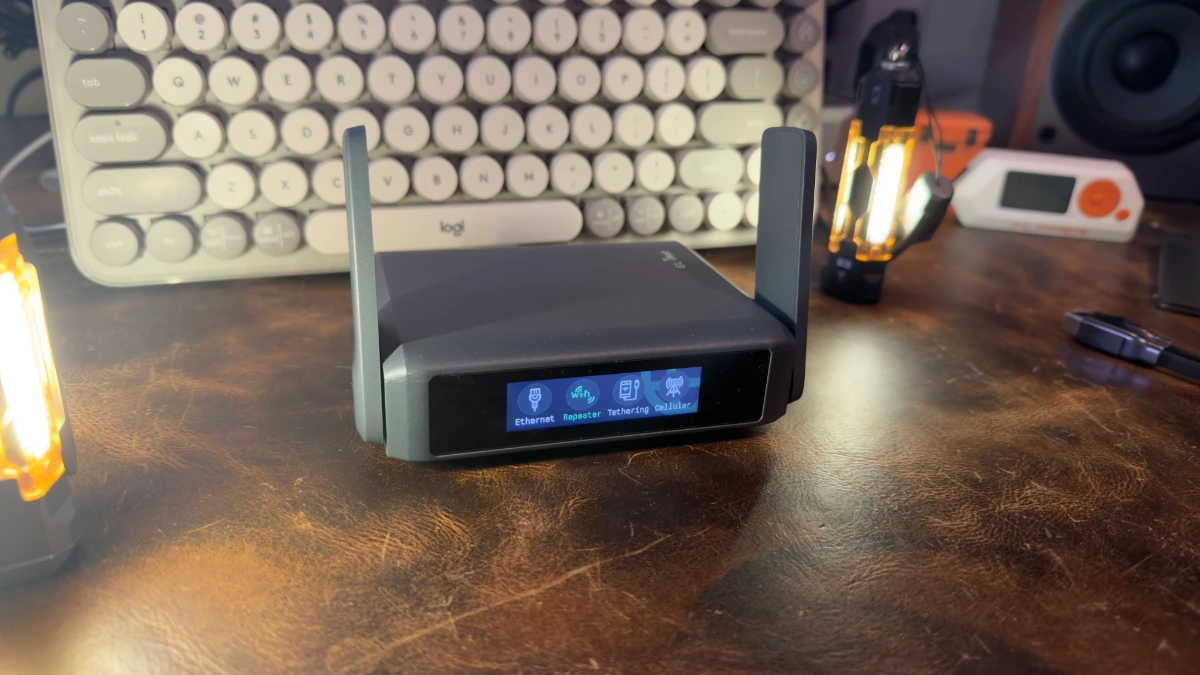
Setup is quick if you’ve ever done basic router stuff. I was up and running in a few minutes, then spent a few extra minutes figuring out the Proton VPN side mostly because I hadn’t done it before. Once it’s configured, it becomes a set-it-and-forget-it device.
It’s dual-band WiFi (2.4GHz and 5GHz), not tri-band. That’s fine for my use case. I’m not trying to build a lab in a hotel room, I just want stable WiFi for a bunch of devices.
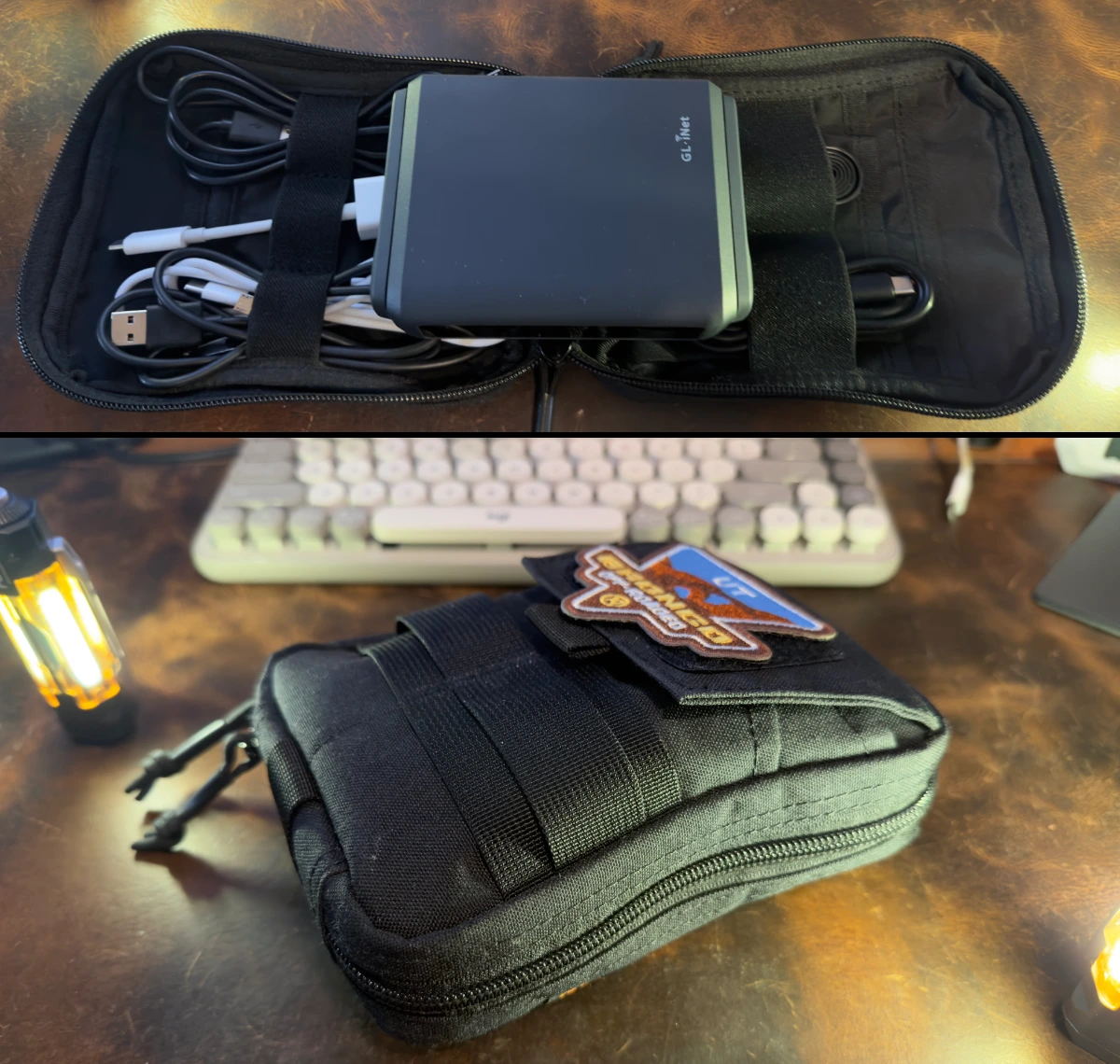
Power is easy. It’s USB-C, so I ran it off a normal wall charger most of the time. I also used a battery pack when the charger was busy handling phones and tablets. It’s the kind of thing that fits naturally into an electronics go-bag.
The only real “don’t be dumb” advice is passwords. You’ll have a WiFi password and an admin password. Save them in 1Password (or whatever you use) so you’re not trying to reset a router in a hotel room because you got clever and didn’t write it down.
Is It Worth It?
If you travel and you’re tired of re-connecting a pile of devices to hotel WiFi, it’s worth it for convenience alone. Or, if you also care about WiFi security, or you like the idea of running your whole travel setup through a VPN, it becomes an easy yes.
If you’re a total novice, the initial configuration might take a little longer, especially if you want VPN and “do it right” settings. But once it’s set up, the Slate 7 Travel Router (affiliate link) just works. And that’s really what I wanted.