
Build Your Second Brain: How to Think Smarter in the Age of Digital Overload Let’s be honest. Finding information isn’t the problem anymore. Keeping it organized and ready when you need it is. Between work messages, podcasts, screenshots, and endless browser tabs, your brain is running at full capacity every day. That is why people […]
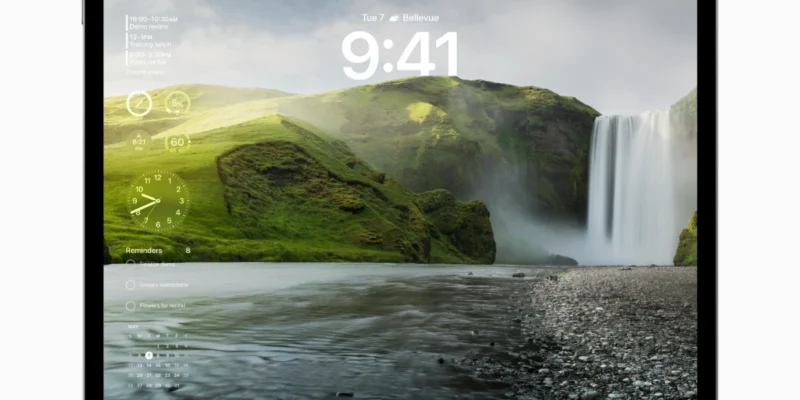
iPadOS Tips and Tricks to Become an iPad Power User
Unlock your iPad’s full potential with 110+ essential tips and tricks for iPadOS. Master Stage Manager, Apple Pencil features, keyboard shortcuts, and the latest iPadOS 18 updates to transform your tablet into a powerful productivity machine for work and creativity.
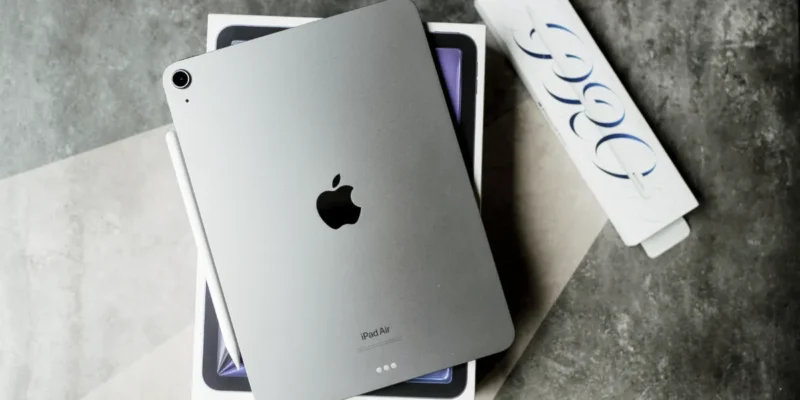
iPad Productivity Keyboard Shortcuts for Professionals
Unlock your iPad’s full potential with essential keyboard shortcuts that save hours weekly. Master Stage Manager multitasking, Magic Keyboard techniques, and app-specific commands to transform your tablet into a productivity powerhouse. Perfect for busy professionals in 2025.

Android Tips and Tricks to Become a Power User
Master your Google Pixel with these powerful Android tips and tricks. From hidden camera features to exclusive Pixel tools like Magic Eraser and Call Screening, this guide reveals over 100 shortcuts that transform everyday users into Android power users. Unlock your device’s full potential with these expert techniques.

Switching from macOS to Linux: Getting Started and Choosing the Right Distro
Thinking about leaving macOS or breathing life into old Mac hardware? Linux offers more control, flexibility, and personalization than Apple’s ecosystem — without giving up everyday usability. This guide walks macOS users through the transition, from choosing the right distro to replacing familiar apps and customizing your new workflow.
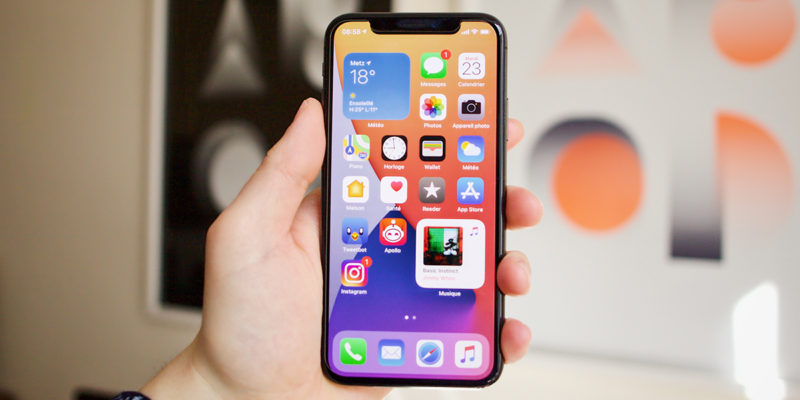
iOS Tips and Tricks to Become a Power User – 2021 Edition
Discover 100+ essential iPhone shortcuts and hidden features in this comprehensive iOS power user guide. Learn time-saving gestures, keyboard tricks, and secret settings that Apple doesn’t advertise. Perfect for both beginners and advanced users looking to maximize their iOS experience and productivity.